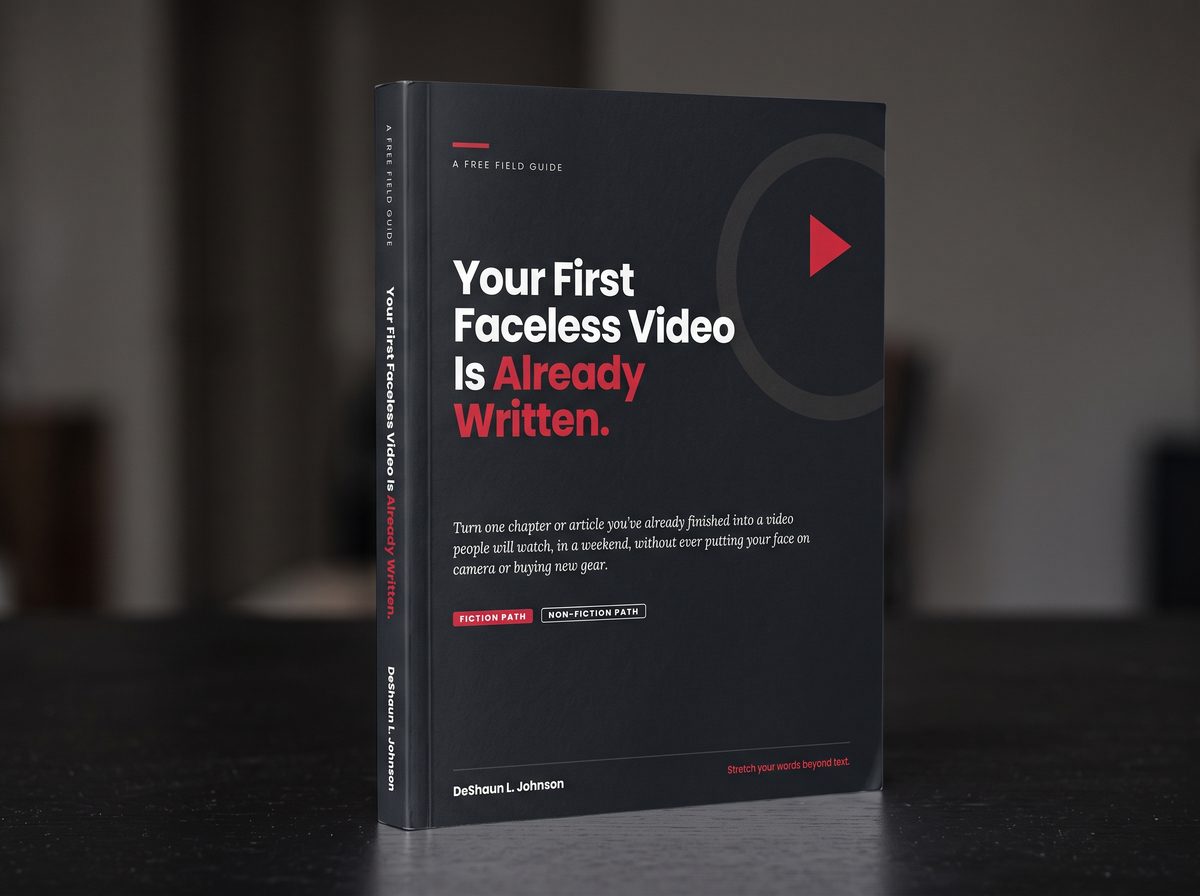
Turn one chapter or article you've already finished into either a faceless or on-camera video people will actually watch, in one weekend, with the phone in your pocket.
Expand Your Writing Now →You spent months on that chapter. You rewrote the opening until it sang. You cut a scene you loved because the story needed you to. And right now, almost nobody has read it.
That isn't a talent problem. It's a doorway problem. Today's readers find writers by pressing play, and this free guide walks you through that door one step at a time.
Camera-shy? Start faceless and let your voice carry the story. When you're ready to step into the frame, the full digital guide shows you how.
They're on their commute with earbuds in. They're on the couch with a phone in their hand. They're pressing play, not turning pages. And if your writing only lives as text, they will never find it.
Sound familiar?
Here's the hard truth: every month your work stays text-only, somebody else is telling a story to the readers who should have found yours.
The good news? You don't need a new idea or a new skill. Step in front of the camera, stay behind it, or try both. Either way, your words do the heavy lifting. You just need a new door.
"The story is the cargo. Text is just one truck."
Lunch break. Carpool line. After the kids are asleep. Every step works from the phone in your pocket, for fiction and non-fiction, on camera or faceless.
Start with something you've already finished. Shape your chapter or article into a script made for the ear, not the page. Your notes app is enough.
Prop up your phone and read your script on camera, or record just your voice for a faceless video. No studio. No new gear.
Free tool: TeleprompterTrim the pauses, add visuals, and tighten the pace in a free app like CapCut, iMovie, or Clipchamp. On-camera videos edit the fastest.
Grab a sharp thumbnail, write a title that earns the click, and point every viewer back to your book, list, or offer.
Free tool: Frame ExtractorShort on time this week? Do one step a day. Four small sittings, and your writing has a play button.
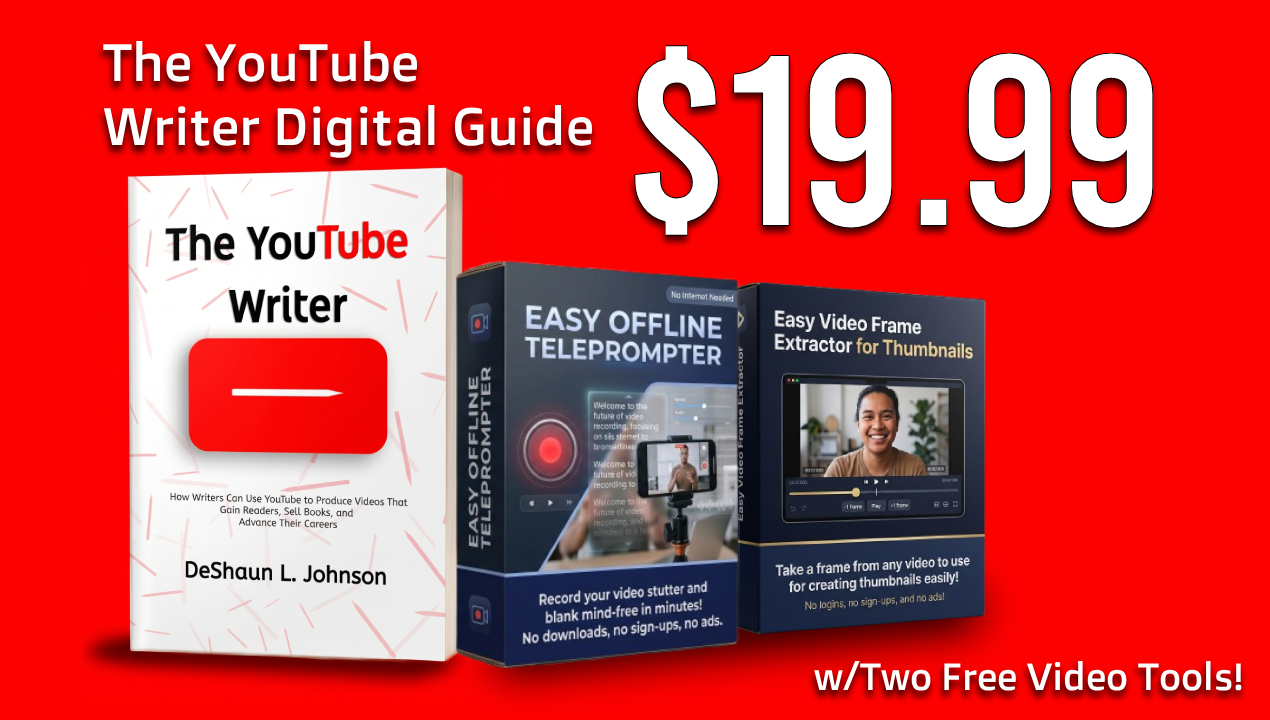
The complete, searchable digital guide for fiction and non-fiction writers who want to reach readers, sell books, and own their publishing path. One video at a time.
Read your script on camera while looking right into the lens, so viewers feel like you're talking to them, not reading at them. Built for writers recording landscape videos. Runs right in your web browser, even offline. No subscription, no account.
Pull a crisp still frame from any of your videos and use it for your thumbnail. Simple, offline, and works in your browser. No editing software to buy.
The 19-page field guide that walks you through your first video, step by step. Fill-in worksheets, a scene sheet, before-and-after rewrites for fiction and non-fiction, title and hook templates, and a pre-flight checklist.
Secure checkout through Gumroad.
Make your first video this week at no cost. Upgrade to the full bundle whenever you're ready.
The step-by-step method, fiction and non-fiction paths, worksheets, and a pre-flight checklist. 19 pages.
Only if you want to. You can read your script on camera with the teleprompter, or let your voice carry the story over visuals. Many writers start faceless and step on camera once they feel comfortable. On-camera videos are often the fastest to make and edit, so they're worth a try.
The phone you already own, a quiet room, and free apps like GarageBand, Audacity, iMovie, CapCut, or Clipchamp. That's the whole kit.
No. Fiction and non-fiction writers follow the same four steps: write, record, edit, publish. Wherever the details differ, you get both paths side by side, with real before-and-after examples for each.
Almost everyone is at first. The guide shows you how to record a few practice takes and use simple delivery drills, so you sound like a person telling a story, not someone reading a list. The teleprompter helps too: you never have to memorize a word.
The links to both tools are inside their how-to guides, ready to use the moment you open them. They run in your web browser, so there's nothing to install and no account to make. Tip: open a tool on your phone and choose "Add to Home Screen" from your browser's menu. It will sit on your phone like an app, ready whenever you are.
Yes. No credit card and no catch. Grab it, make your first video, and decide later whether you want the full bundle.
No. You pay $19.99 once and keep everything.
No one can promise that, and you should be wary of anyone who does. What this bundle gives you is a proven method for turning writing you already own into videos that point people back to your work. Results depend on your effort, your niche, and many things outside anyone's control.
Every week your writing stays text-only, they find someone else's story instead. Make sure yours is there when they press play.
P.S. You already did the hard part: you wrote the thing. The research, the structure, the voice, the emotional arc. Turning it into a video is adaptation, not creation. That's why it fits into the life you already have.
P.P.S. The $19.99 launch price won't last. And every week you wait, the readers who should be finding your work are pressing play on someone else's. Start today.
Short, practical emails on hooks, scripts, and getting your writing heard. Unsubscribe anytime.
Subscribe on Gumroad →Free · enter your email on my Gumroad page